

Arrange your triple-monitor setup with the primary display centered, side screens angled inward, and matched resolution settings to reduce eye strain, streamline multitasking, and improve daily workflow.
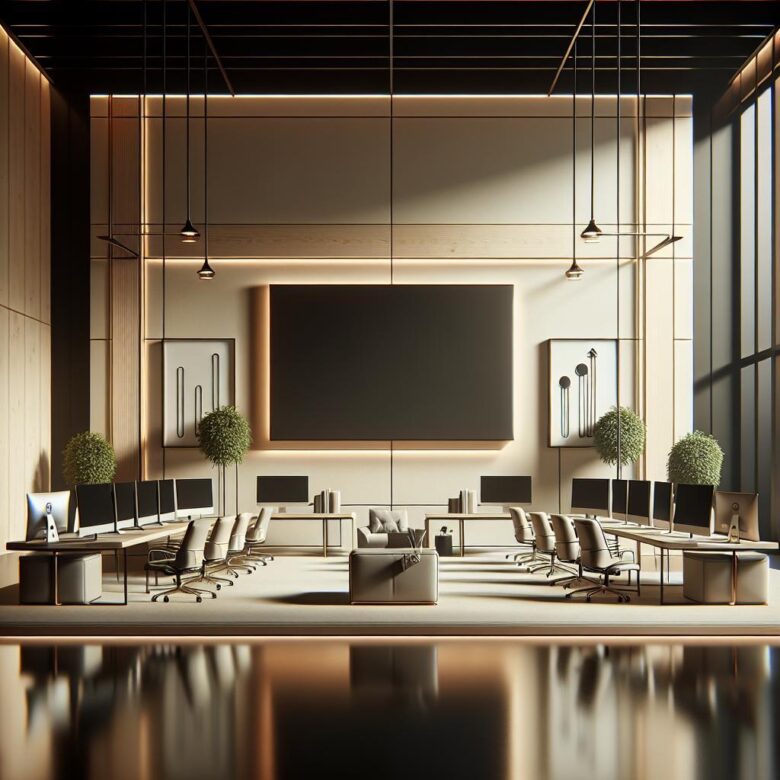
Position high-definition displays at eye level, about an arm’s length away. Reduce glare, match brightness to ambient light, and scale text properly to lessen neck strain, fatigue, and visual stress.
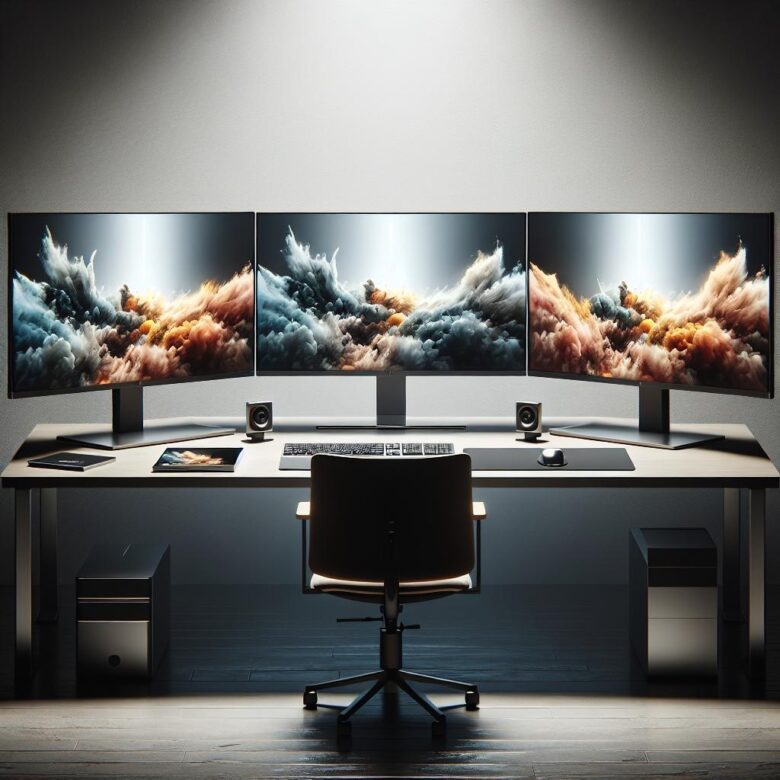
2026’s best ultra-wide monitors boost productivity with expansive screen space, sharp resolution, USB-C connectivity, and ergonomic design-ideal for multitasking, creative work, and streamlined workflows.
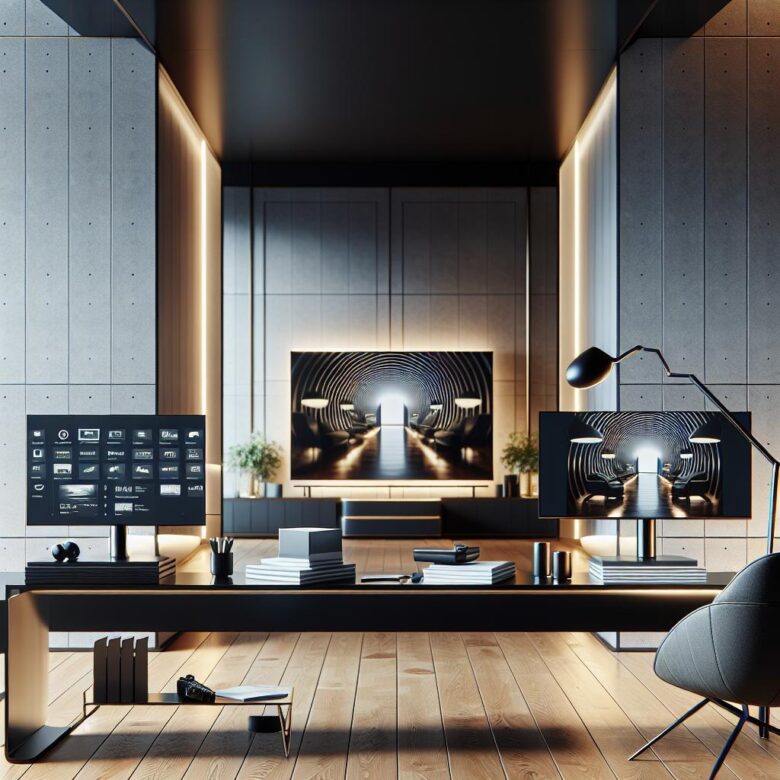
Smart monitors suit home offices with sharper text, USB-C, and lower input lag, while smart TVs offer bigger screens for multitasking and media. Choose based on desk distance, ports, and workflow.
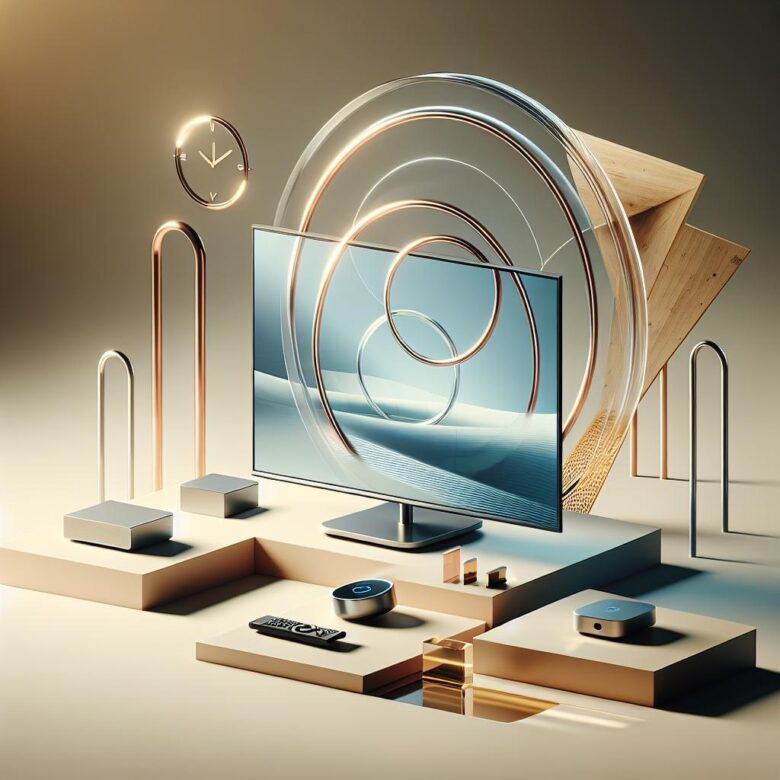
Best wireless display adapters deliver low-latency, stable screen mirroring for work and entertainment. Look for broad device compatibility, dual-band Wi-Fi, and support for 4K streaming.